Official Chrome extension

Emoji Script
in your browser.

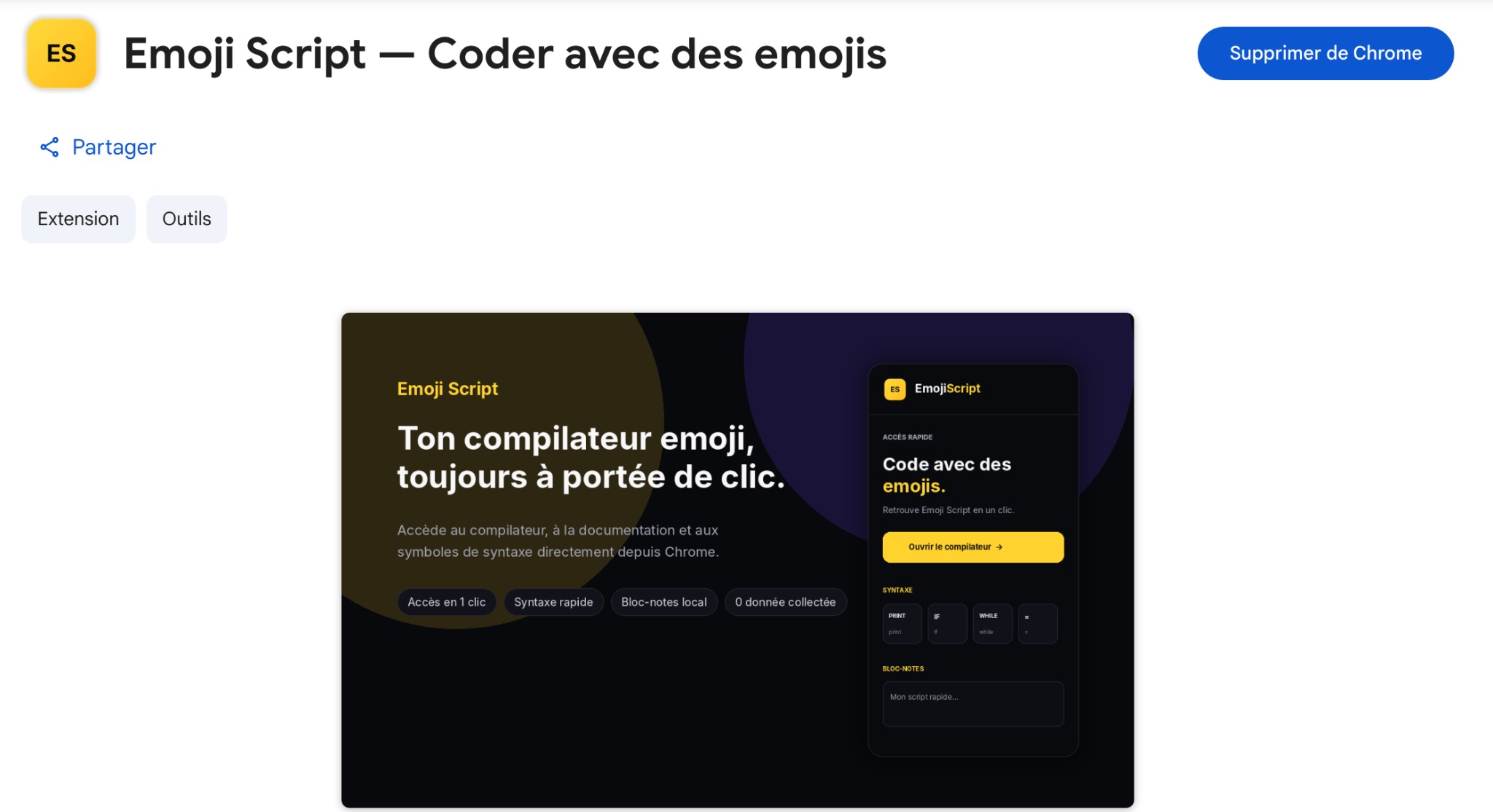
Access the compiler, documentation and syntax symbols directly from Chrome. Everything you need, always one click away.
โ˜…โ˜…โ˜…โ˜…โ˜…Available on the Chrome Web Store
Emoji Script Chrome extension
โœ“ Freeโœ“ No personal data collectedโœ“ One-click accessโœ“ Local notes
FEATURES

A real continuation of the website.

The goal is simple: if you already use Emoji Script, the extension becomes the easiest shortcut to come back to it.

โšก

Compiler access

Open the compiler instantly from Chrome.

๐Ÿ“š

Quick documentation

Find the docs and syntax basics without searching for the site.

๐Ÿงช

Ready-to-test examples

Access Emoji Script examples in seconds.

๐Ÿ“

Local notes

Keep an idea or a mini script close at hand.

INSTALLATION

Installed in 3 steps.

No complicated setup. Install it, pin it, and you're ready to go.

1

Add the extension

Click the Add to Chrome button from the Chrome Web Store.

2

Pin the icon

Place Emoji Script in your extensions bar to open it anytime.

3

Code anytime

Quickly access the compiler, docs and examples.

FAQ

Simple, useful and consistent.

Is the extension free?
Yes, the Emoji Script Chrome extension is free.
Does it collect data?
No. It does not collect personal data, and the notes stay local in your browser.
Why install the extension if the website already exists?
Because it lets you come back faster: one click is enough to reopen the Emoji Script ecosystem.
What does the Chrome extension header button link to?
It links to this dedicated page, designed as a natural continuation of the homepage.
READY?

Add Emoji Script to Chrome.

Your emoji compiler, documentation and shortcuts will always be accessible from your browser.

Install for free โ†—